EPUB SDK
for EPUB Reader Development
-
lightweight -
highly flexible -
customizable -
cross-platform
Add EPUB reading features to your product with offline support.


About epuBear SDK
epuBear SDK is a
Whether you're building an e-reader, educational platform or any application requiring EPUB support, epuBear SDK offers a robust set of features to meet your publishing needs.
With its

How to use
epuBear SDK consists of a closed-source cross-platform core and a set of wrappers that provide interfaces for seamless integration into native or cross-platform projects.
These wrappers are available for Kotlin (Android), Swift (iOS), C# (MAUI) and Dart (Flutter), ensuring compatibility with your development environment.
Below are code examples demonstrating SDK initialization and basic function calls.
epuBear SDK provides the following core features*:
* This comprehensive set of features is available immediately upon purchase. If you require additional functionality such as full or particular EPUB 3 support, DRM integration, or any other custom features, our experienced development team is ready to deliver custom solutions and provide ongoing support.
init {
   val config = EpubearConfig(companyName, appName, licenseKey, ApplicationProvider.getAppContext().filesDir)
   epubear = EpubearSdk(ApplicationProvider.getAppContext(), config).apply {
       setEventListener(this)
       setCfiListener(this)
       setAppearanceMode(EpubearSdk.EPUBAppearanceMode.EPUBAppearanceModeNormal)
       setFontSize(0, false)
   }
}guard let cachesDirectory = FileManager.default.urls(
for: .cachesDirectory,
in: .userDomainMask
).first else { return nil }
let config = EPUBearFrameworkConfig(username: companyName,
withUserApp: appName,
withUserKey: licenseKey,
withDataPath: cachesDirectory.path)
config.alwaysSinglePage = false
epubear = EPUBearFramework(config: config)
epubear.delegate = self// This should be called separately for both Platforms - Android and iOS
var config = new EpuBearConfig(companyName, appName, licenseKey);
IEpuBearSDK epubear = new EpuBearSDK(config);
// Further code is called in common MAUI code after IEpuBearSDK was received through DependencyService or any other DI way
epubear.SetFontSize(16, false);
epubear.Callbacks.ContentUpdated = OnContentUpdate;
epubear.Callbacks.PagesCounted = OnPageCountChange;
epubear.Callbacks.LoadedChapterWithIndex = LoadedChapterWithIndex;
epubear.Callbacks.ChapterLoadingStarted = OnChapterLoadingStarted;
string masterPath = DependencyService
.Get<IGetResource>()
.GetPathForResource("master.css");
if (File.Exists(masterPath))
{
string masterCss = File.ReadAllText(masterPath);
epubear.SetDefaultStyles(masterCss, false);
}final dpi = MediaQuery.of(context).devicePixelRatio * 160;
final config = EpubConfig(
user: companyName,
info: appName,
key: licenseKey,
dpi: dpi,
fontsPackagePath: 'fonts.pkg',
);
final epubear = await EpubearSdk.create(config);
final cachePath = '${(await Directory.systemTemp.create()).parent.path}/files';
await Directory(cachePath).create(recursive: true);
epubear.setCachePath(path);
epubear.eventsListener = this;Use the links below to download developer documentation:


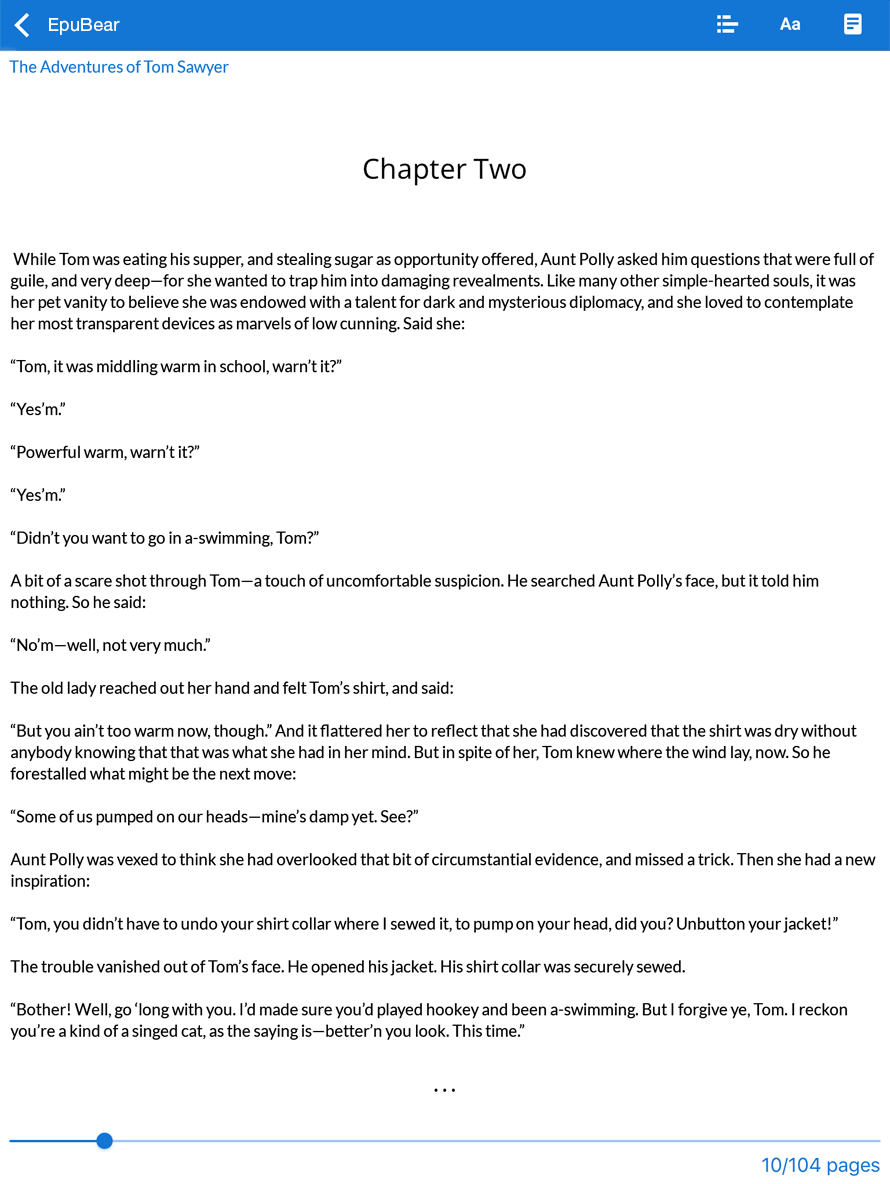

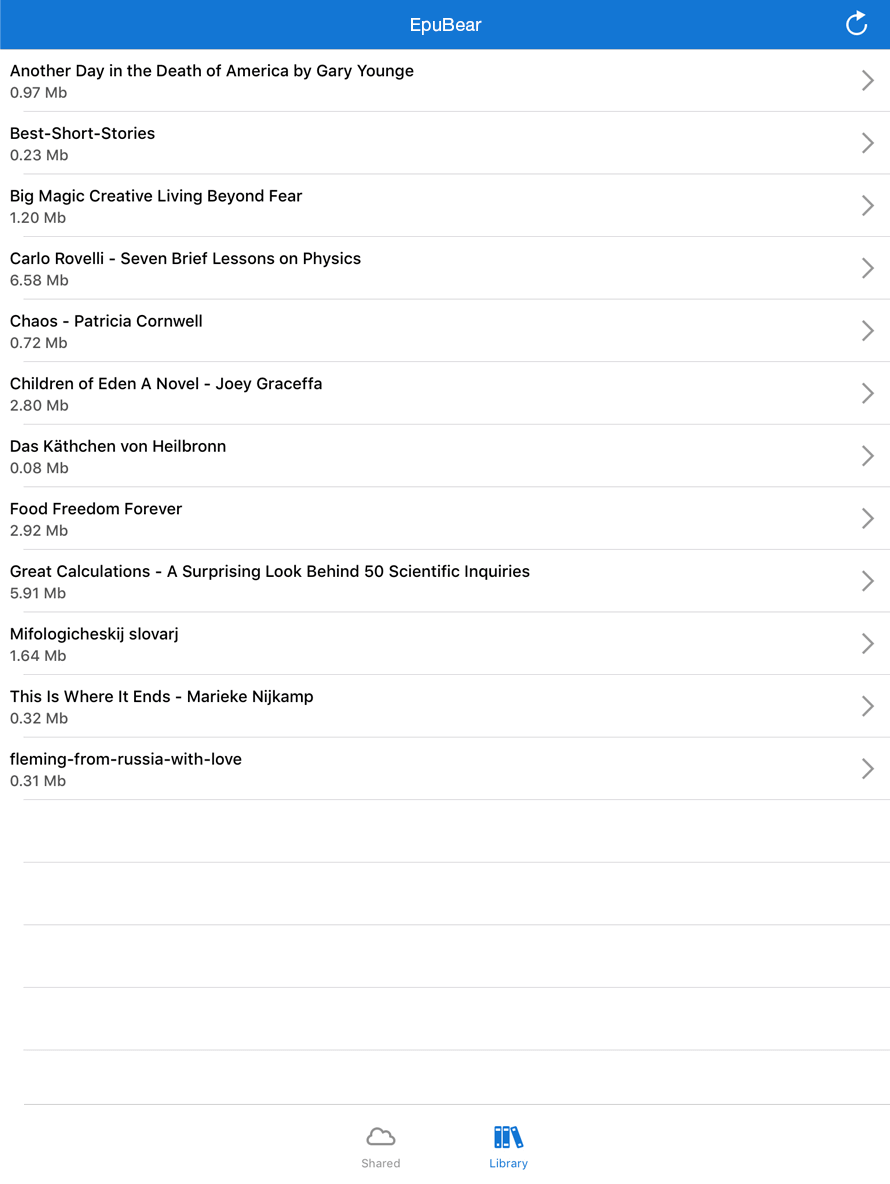


If you’re looking for a


epuBear Reader
epuBear Reader is a
With no ads and no functionality restrictions, it offers a smooth reading experience ideal for personal use or testing purposes.
In addition to serving as a standalone reader, the epuBear Demo Reader is available as a
This means you can license the app, quickly customize it to match your brand's design and functionality requirements, and launch it under your own name for an additional fee.
Key Features of epuBear Reader:
- Reading EPUB 2 and EPUB 3 documents
- Seamless navigation through pages, chapters, bookmarks, and links
- Night mode for comfortable reading in low light
- Text search and text selection for efficient content discovery
- Support for audio and video playback within EPUB files
- Customizable reading options such as:
- Font size adjustment
- DoublePage mode support
- Background and text color adjustments
- Bookmark and notes management for tracking key points in your books
- Opening pictures to view in separate screen
- Text-to-speech support for enhanced accessibility and audio-based reading experiences
- Multilingual support, including vertical and right-to-left writing modes
- AI-powered reading and learning tools:
- Personalized book recommendations based on the user’s bookshelf
- On-device translation of selected text into multiple languages
- AI chat for discussing and analyzing books and documents
- Context-aware answers to questions about the current book
- AI-assisted learning and deeper content exploration
- Automatic summaries of books, chapters, and selected passages

Custom Solution
As a company specializing in custom development services, we can build a tailored e-publishing solution that
Whether you want to combine our ready-made components like epuBear SDK, ePub Cloud, EPUB Viewer, Page Curl, EPUB Media, Crypto Gateway or need a fully custom solution developed from scratch we will be happy to help.
Additionally we can create a
or other unique features required for your business.
Related products


FAQ
